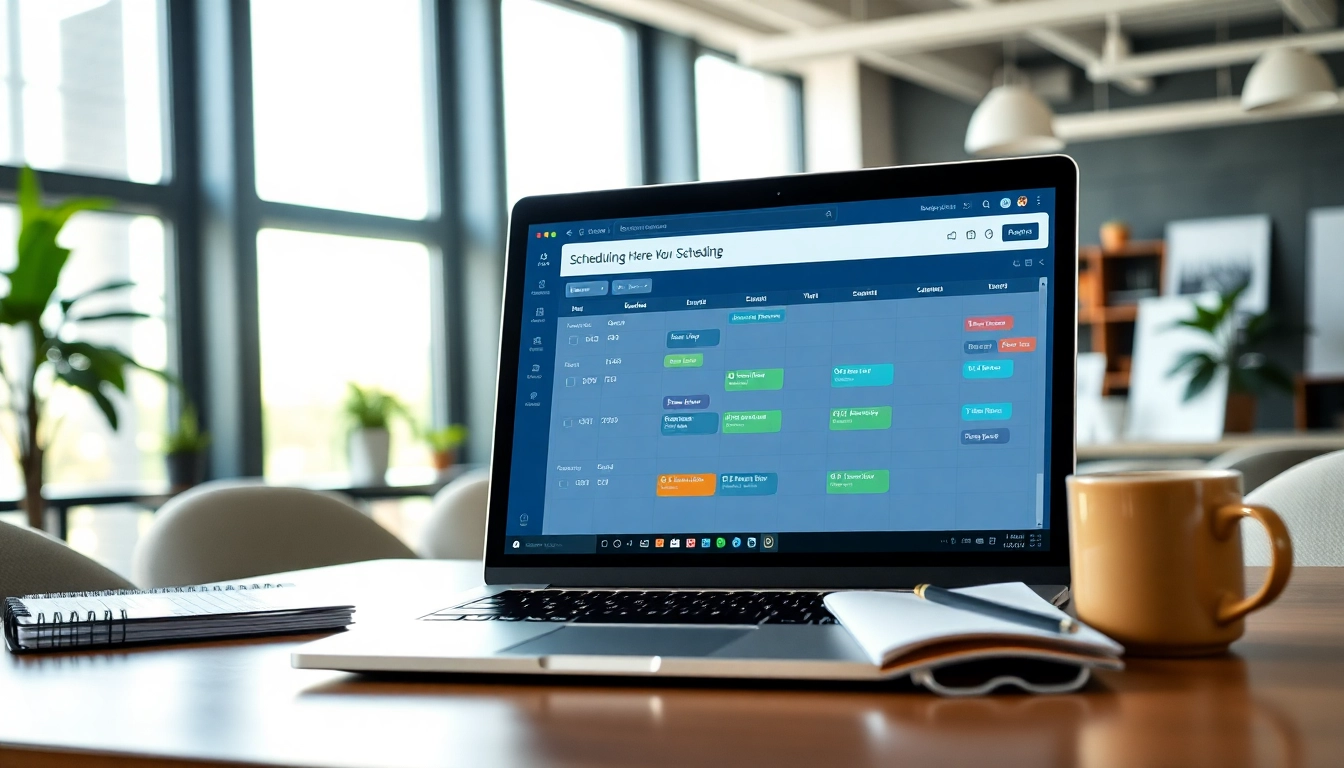
Understanding the Virtual Assistant Scheduling Tool
What is a Virtual Assistant Scheduling Tool?
A virtual assistant scheduling tool is a software application designed to facilitate the scheduling of appointments and managing calendar events through the assistance of virtual assistants. These tools help users automate repetitive scheduling tasks, streamline communication with attendees, and ensure efficient time management. By utilizing artificial intelligence and machine learning, these tools enhance productivity by allowing users to focus on more strategic tasks while the virtual assistants handle the mundane aspects of scheduling.
How Does It Work?
The functionality of a virtual assistant scheduling tool varies depending on its design and features, but most follow a similar operational model. First, users input their availability and preferences into the tool. This data can be integrated with existing calendars. Once set up, the tool retrieves potential meeting times by analyzing attendees’ schedules and preferences. It can send automated invitations, reminders, and confirmations via email or messaging platforms. Moreover, many tools leverage AI to learn from past scheduling preferences, thus improving future appointment suggestions.
Benefits of Using This Tool
Using a virtual assistant scheduling tool offers numerous advantages, including:
- Time Savings: Automating scheduling frees users from manually checking calendars and sending emails.
- Enhanced Organization: Centralizing all appointments in one platform helps manage time more effectively.
- Reduced Coordination Errors: The risk of double-booking or miscommunication is minimized with automation.
- Improved User Experience: Attendees benefit from easily accessible scheduling options and instantaneous responses.
Key Features to Look For
Integration with Other Tools
A high-quality virtual assistant scheduling tool should seamlessly integrate with various applications such as email, calendar services, and project management tools. This integration enables a holistic approach to time management and ensures consistency across platforms. Examples of beneficial integrations include syncing with Google Calendar, Outlook, and CRM systems, helping users stay updated with real-time changes.
User-Friendly Interface
An intuitive user interface is essential for ensuring that users can easily navigate the tool without needing extensive training. Features such as drag-and-drop functionalities, customizable views, and quick access menus can greatly enhance user experiences and improve efficiency while scheduling appointments.
Customizable Scheduling Options
Flexibility is crucial when it comes to scheduling. Users should have the ability to customize how appointments are set, such as duration options, buffer periods between meetings, and availability specific to different types of meetings (e.g., one-on-ones, team meetings). Customizable templates for scheduling emails or messages can save additional time and ensure consistent communication.
Implementing the Virtual Assistant Scheduling Tool
Steps to Get Started
Implementing a virtual assistant scheduling tool involves several steps:
- Research and Select a Tool: Analyze various tools based on features, user reviews, and pricing structures, choosing one that meets your needs.
- Set Up Your Profile: Input your availability, preferred meeting types, and any other specific preferences to tailor the tool.
- Integrate with Existing Systems: Connect the scheduling tool to your current calendars and relevant communication apps.
- Upload Contacts: If applicable, import contacts or integrate with a CRM to facilitate easy scheduling with colleagues or clients.
Best Practices for Effective Usage
To get the most out of your virtual assistant scheduling tool, consider the following best practices:
- Maintain Updated Availability: Regularly update your schedule to reflect real-time availability and prevent overlaps.
- Use Templates: Create reusable templates for common types of meetings to save time on communication.
- Encourage Feedback: Solicit feedback from attendees about their experience to improve the scheduling process continually.
- Train Team Members: Ensure all relevant team members are trained on how to use the tool effectively, maximizing its potential across your organization.
Common Mistakes to Avoid
When using a virtual assistant scheduling tool, it’s easy to run into common pitfalls. Here are some mistakes to avoid:
- Neglecting to Sync Calendars: Failing to integrate calendars can result in double bookings and confusion.
- Ignoring User Preferences: Not considering the preferences of meeting attendees can lead to scheduling dissatisfaction.
- Over-Automating Communication: While automation is beneficial, personal touches can enhance relationships and improve communication quality.
- Skipping Training: Not investing time in training can lead to underutilization of key tool features.
Real-World Applications and Case Studies
How Businesses Are Benefiting
Many businesses across various sectors are experiencing significant improvements in operational efficiency due to the adoption of virtual assistant scheduling tools. Companies report enhanced productivity as teams spend less time on scheduling and more time focusing on their core functions. Organizations in the education sector, healthcare, and event management have particularly benefited, noticing quicker response times and improved service delivery.
Case Study: Increasing Efficiency
For instance, a global consulting firm adopted a virtual assistant scheduling tool to streamline the coordination of its international meetings. By integrating the tool with their existing email and calendar system, they reduced the time spent on scheduling by up to 50%. This efficiency not only saved time for the administrative staff but also allowed consultants to dedicate more focus to client work, ultimately increasing billable hours.
Feedback from Users
User feedback has highlighted several key benefits, including improved time management, reduced stress about bookings, and the ability to manage multiple calendars easily. Many users also appreciate the analytics features that track scheduling patterns, thus enabling them to optimize their meeting strategies further. Surveys indicate higher satisfaction levels compared to traditional scheduling methods.
Frequently Asked Questions
What is a virtual assistant scheduling tool used for?
A virtual assistant scheduling tool is used for automating appointment bookings, managing calendars, and coordinating meetings while streamlining communication between attendees.
Can I use a virtual assistant scheduling tool for free?
Many virtual assistant scheduling tools offer free tiers with basic features, while more advanced functionalities may require a paid subscription.
Are these tools compatible with mobile devices?
Most modern virtual assistant scheduling tools are designed to be mobile-responsive, allowing users to schedule appointments on smartphones and tablets.
How secure is my data with these tools?
Reputable virtual assistant scheduling tools implement strong security measures such as encryption and access controls to protect user data.
What are the top features of a virtual assistant scheduling tool?
Top features include calendar integration, automated reminders, customizable scheduling options, analytics for performance tracking, and user-friendly interfaces.